Growth Plateaus Start in the Systems You Don’t Question
You didn’t build your firm just to fight fires all day. You didn’t hire a team just to stay stuck in...

All Blogs
Affinity News
Affinity Experts
Practice Management
Time, Billing, Accounting
Featured
Time, Billing, Accounting
Training & Speaking

You didn’t build your firm just to fight fires all day. You didn’t hire a team just to stay stuck in...

The end of the year always seems to sneak up on us. One minute it’s summer, and the next, we’re looking...
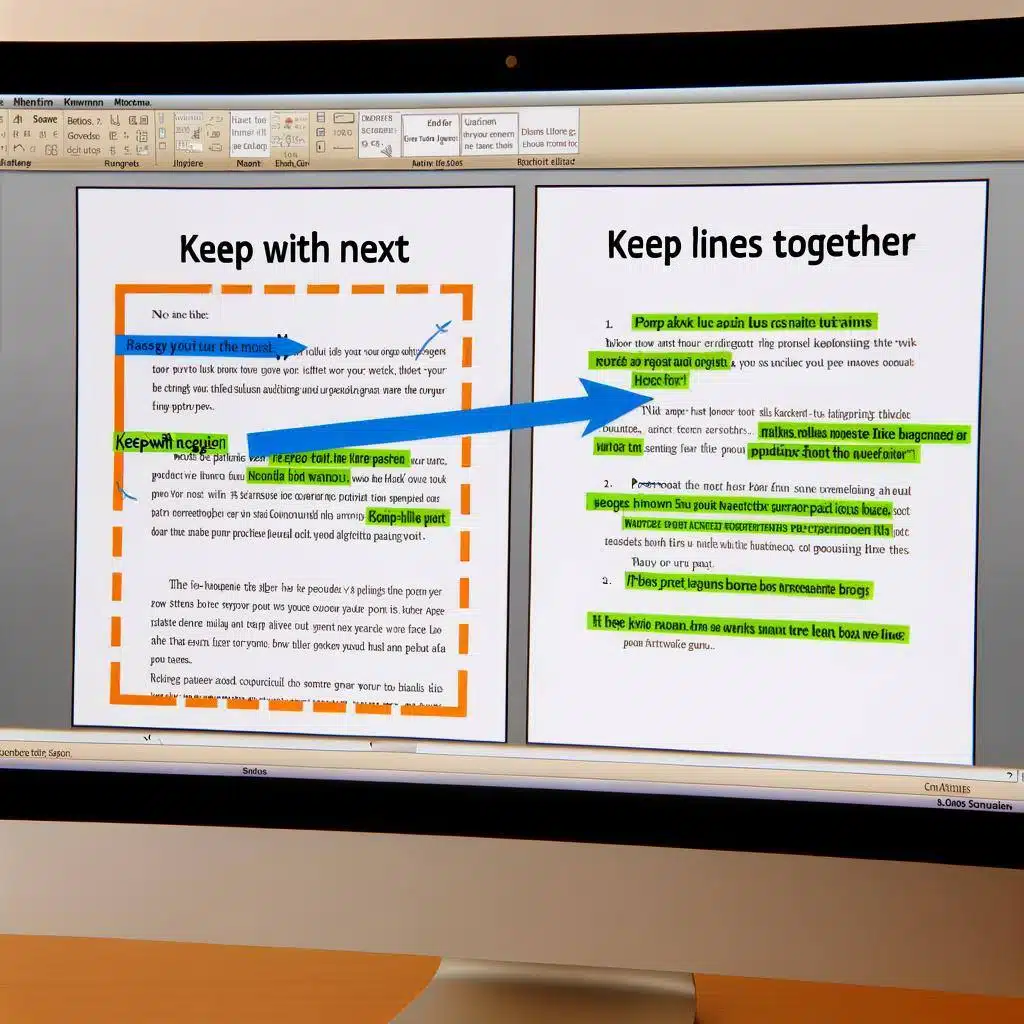
Learn how to use Microsoft Word's hidden features, Keep With Next and Keep Lines Together, to improve document formatting for legal users. Increase efficiency and avoid common pitfalls with these essential tips.

You might think you've got Word down pat. You can type, you can format, you can maybe even insert a table or two without breaking a sweat. But what if we told you there's a whole world of Word wizardry waiting for you to tap into? Something that will help you take your legal practice from mundane to magnificent, one keystroke at a time.

By learning to take full advantage of Word’s functionality and higher-end features, your firm can convert from WP to Word and become more efficient at generating complex documents in the process.

ROI and profitability are key to your law firm's success. Discover five ways to measure ROI and improve your law firm's profitability in our article.

Check out this quick video tip about how to use print settings in Microsoft Excel. Learn how to use them and print documents in Excel the way you need.

Check out this quick video tip about paragraph marks in Microsoft Word from our Affinity Insight course's live training session on Word!

Any law firm thrives on a culture of learning and growth. Learn how to nurture your legal practice and make it prosper with our complete article.

Microsoft Outlook task users, start planning your priorities. Learn how to use Microsoft To Do's My Day smart list in this complete article.